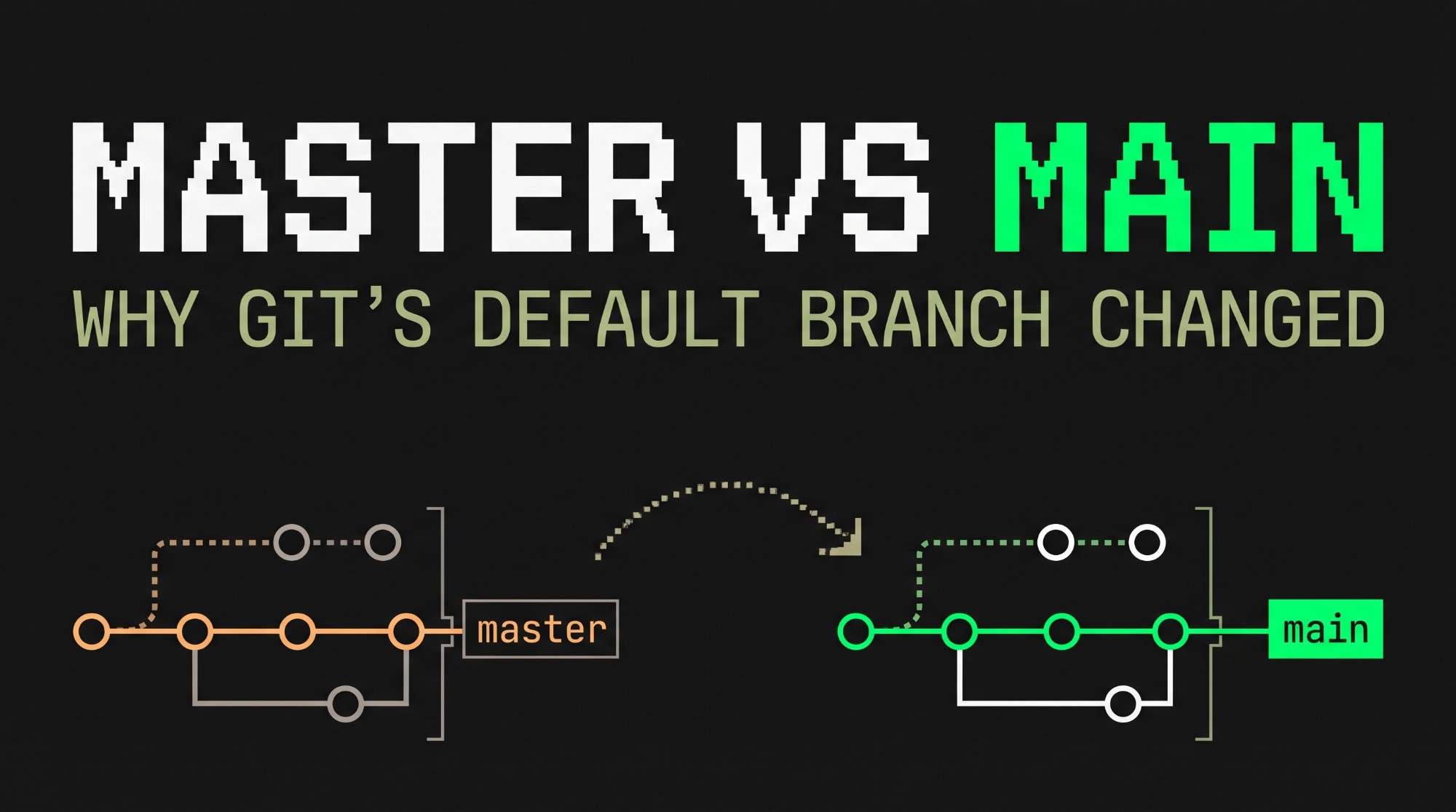
You create a new repo on GitHub and its branch is named main. Then you open a terminal, run git init in a local folder, and the branch is named master. Both are Git, yet the names differ. Why? The answer sits in platform decisions, a Git setting, and one change that is still coming in Git 3.0.
The name master was never special
Since Git was created in 2005, git init has automatically created a first branch named master. That was a habit, not a feature. The Software Freedom Conservancy (SFC) statement of June 23, 2020 puts it this way: there is nothing special about ‘master’ except that it has historically been the name used for the first branch when creating a new repository, so many projects use it for their primary line of development. Source: SFC.
Where the name came from is still debated. Atlassian calls it an inheritance from BitKeeper, the version control system the Linux kernel used before Git (Atlassian). Some tie it to the master/slave metaphor, others read it as "master copy", like a master recording. I could not find a primary source that settles this, so this article does not claim either side.
Why it finally changed
In June 2020, the word "master" in tech came under wide scrutiny, alongside the Black Lives Matter movement. SFC and the Git project said they were aware the name is offensive to some people, and encouraged projects to switch to meaningful and inclusive branch names. They also said changes in Git core would minimize disruption for users and include appropriate deprecation periods. So the reason was not technical: nothing breaks with master. The convention changed.
A short timeline
| When | What happened |
|---|---|
| June 23, 2020 | SFC publishes its statement on branch naming in Git. |
| July 2020 | Git 2.28 adds the init.defaultBranch option. The default value stays master, and only new repos are affected (GitHub Blog). |
| October 1, 2020 | GitHub changes the default for new repos from master to main. Existing repos are left as they are (GitHub Changelog). |
| March 2021 | GitLab publishes a post about the new default branch name (GitLab Blog). |
| Git 3.0 | In new repositories, the default branch name will be main. There is no release date yet (Git BreakingChanges). |
Why git init on your laptop still says master
Because the platform defaults changed first, not Git's own default. Git 2.28 only provided the switch (init.defaultBranch). Git's own default changes in Git 3.0. The BreakingChanges document gives the reasoning: the new name matches the default used in new repositories by many of the big Git forges, and Git has been warning about the change since commit 675704c74dd (December 2020). That is why newer Git versions print a hint about init.defaultBranch when you run git init without configuring anything.
Make it consistent today
# new repos on your machine start on main
git config --global init.defaultBranch main

# or one-off
git init -b main
For old repos still on master, renaming is optional. If you want to, here is the order:
git branch -m master main
git push -u origin main
# change the default branch in the repo settings (GitHub/GitLab),
# then delete master on the remote
git push origin --delete master
Before deleting master on the remote, check CI/CD files (.github/workflows, .gitlab-ci.yml), deploy scripts, and branch protection rules that still name master explicitly. Teammates also need to run git fetch and point their local branch upstream to origin/main.
Conclusion
main became the default because of community and platform decisions in 2020, not a technical problem. GitHub and GitLab already use it for new repos, Git core follows in Git 3.0, and until then you can set init.defaultBranch yourself. Your old repos do not need to change unless you have another reason to.
References
- Software Freedom Conservancy: Regarding Git and Branch Naming (June 23, 2020)
- GitHub Blog: Highlights from Git 2.28
- GitHub Changelog: Set the default branch for newly-created repositories
- Git: BreakingChanges
- GitLab: New Git default branch name
- Atlassian: Moving away from Master as the default name for branches in Git