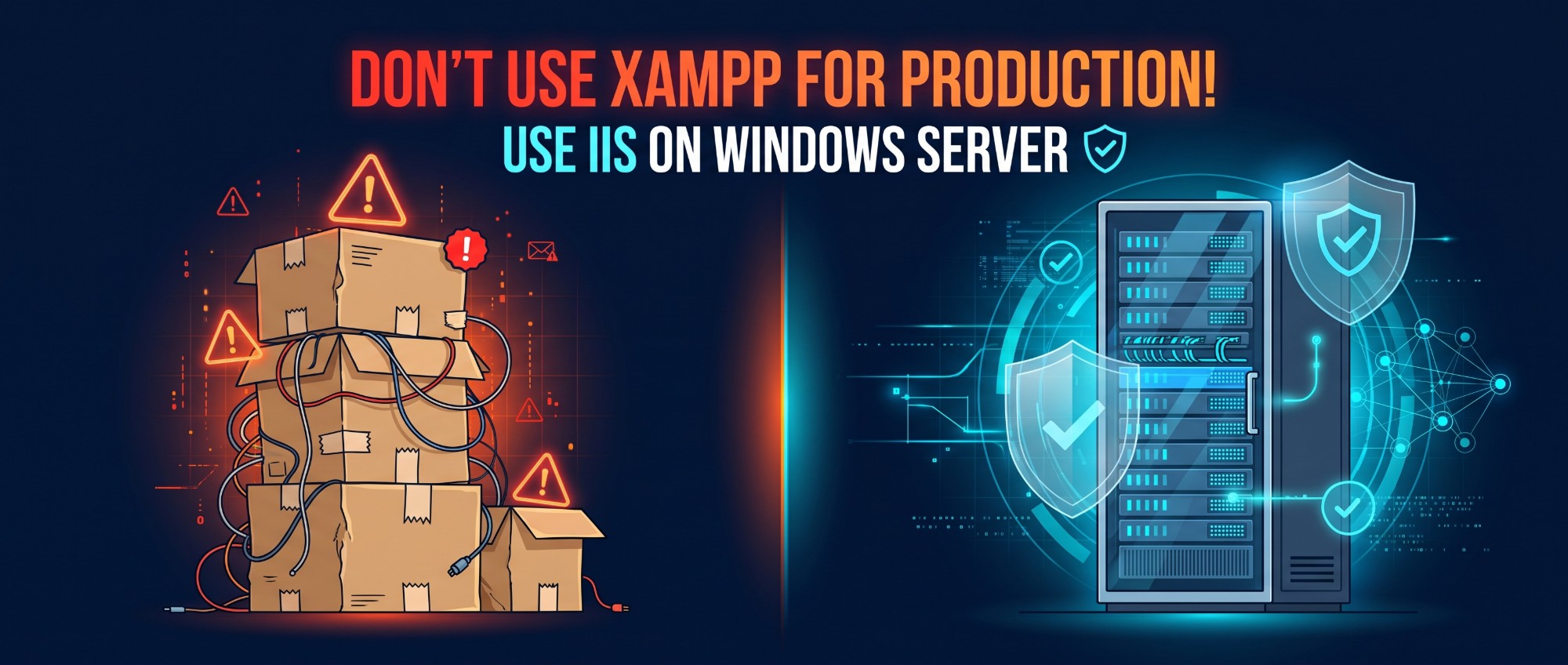
Running a live application on XAMPP, MAMP, or Laragon is a ticking time bomb. These local development stacks are built for convenience, not for hardening. They ship with default root access, loose file permissions, and no process management for real-world traffic. The result is a server that is wide open to security breaches and prone to sudden crashes.
You already spend enough time fighting unexpected downtime and sluggish performance. Your web stack should not be working against you. If you deploy on Windows, drop the local shortcuts and use Internet Information Services (IIS): a native, enterprise-grade web server built to handle production workloads, isolate processes, and keep your data secure.
Why local stacks do not belong in production
XAMPP, MAMP, and Laragon do their job well on a developer laptop. The trouble starts when the same bundle ends up on a public server.
- Default root access. A fresh MySQL or MariaDB install in these bundles typically has a
rootuser with an empty password, and tools like phpMyAdmin are exposed out of the box. - Weak file permissions. Apache and the database usually run under your own user account, so a single compromised script can read or overwrite far more than the application itself.
- No real process management. There is no automatic restart after a crash, no recycling of a leaking process, and no limit on how much memory one site can take.
- Everything on, everything shared. Demo pages, sample configs, and every site on the machine share the same process and the same privileges.
- Manual patching. Updating a bundled Apache, PHP, or MySQL means downloading a new package by hand, with nothing tying it to Windows Update.
What IIS gives you instead
IIS ships with Windows Server and is maintained alongside the operating system. For production work, these are the features that matter most.
Process isolation with application pools
Every site can run in its own application pool, a separate worker process with its own identity. By default each pool runs under a low-privilege virtual account, so a problem in one site does not reach the others or the rest of the system.
Self-healing by design
IIS monitors its worker processes. It can recycle a pool on a schedule or when memory passes a limit, and rapid-fail protection stops a pool that keeps crashing instead of letting it drag the server down. A failed worker is replaced without anyone logging in at 2 a.m.
Security controls built in
Request filtering blocks dangerous URLs, oversized requests, and unwanted file extensions. You can restrict access by IP, require Windows or certificate authentication, and add security headers centrally. TLS is handled by the operating system, so certificates and protocol versions follow your Windows security policy.
Proper permissions and logging
IIS works with NTFS permissions, so you can give each application pool access to only its own folder, usually read-only for code and write access just for upload and cache directories. Detailed access logs and Windows event logs make incident investigation possible.
It runs more than .NET
IIS is not limited to ASP.NET. PHP runs through FastCGI, Node.js apps can sit behind IIS as a reverse proxy using URL Rewrite and Application Request Routing, and static sites are served very efficiently. If you already run Laravel or WordPress on XAMPP, you can move to IIS without changing frameworks.
A quick comparison
| Concern | XAMPP / MAMP / Laragon | IIS |
|---|---|---|
| Process isolation | One shared process and user | Separate application pool per site |
| Crash recovery | Manual restart | Automatic recycle and restart |
| Default privileges | Your user, or root-like access | Low-privilege virtual account |
| Hardening | Up to you, from scratch | Request filtering, authentication, TLS policy |
| Updates | Manual package downloads | Delivered through Windows Update |
Moving over: a sensible order
- Enable IIS and install the components your stack needs (for PHP, the CGI feature and a supported PHP build).
- Create one application pool and one site per application, and point each site to its own folder.
- Grant NTFS permissions only to the pool identity, and only where writing is required.
- Set a strong password on the database, create a dedicated user per application, and never expose the database port to the internet.
- Install a TLS certificate, redirect HTTP to HTTPS, and turn on request filtering.
- Remove demo pages and admin tools you do not use, then test before you switch traffic.
Conclusion
Local stacks are a great way to build software and a poor way to run it. If your production server is Windows, IIS gives you isolation, recovery, and security controls that XAMPP, MAMP, and Laragon were never designed to provide. A step-by-step guide to installing and configuring IIS is coming in a separate article.